Researchly for iPhone, iPad, and Mac is on the App Store
Researchly has its own apps for iPhone, iPad, and Mac. Download Researchly on the App Store: one free download covers all three devices. The apps run the same Researchly you use on the web, with the same chats, Research Drafts, skills, and sources, inside native controls built for each device.
Native where it counts
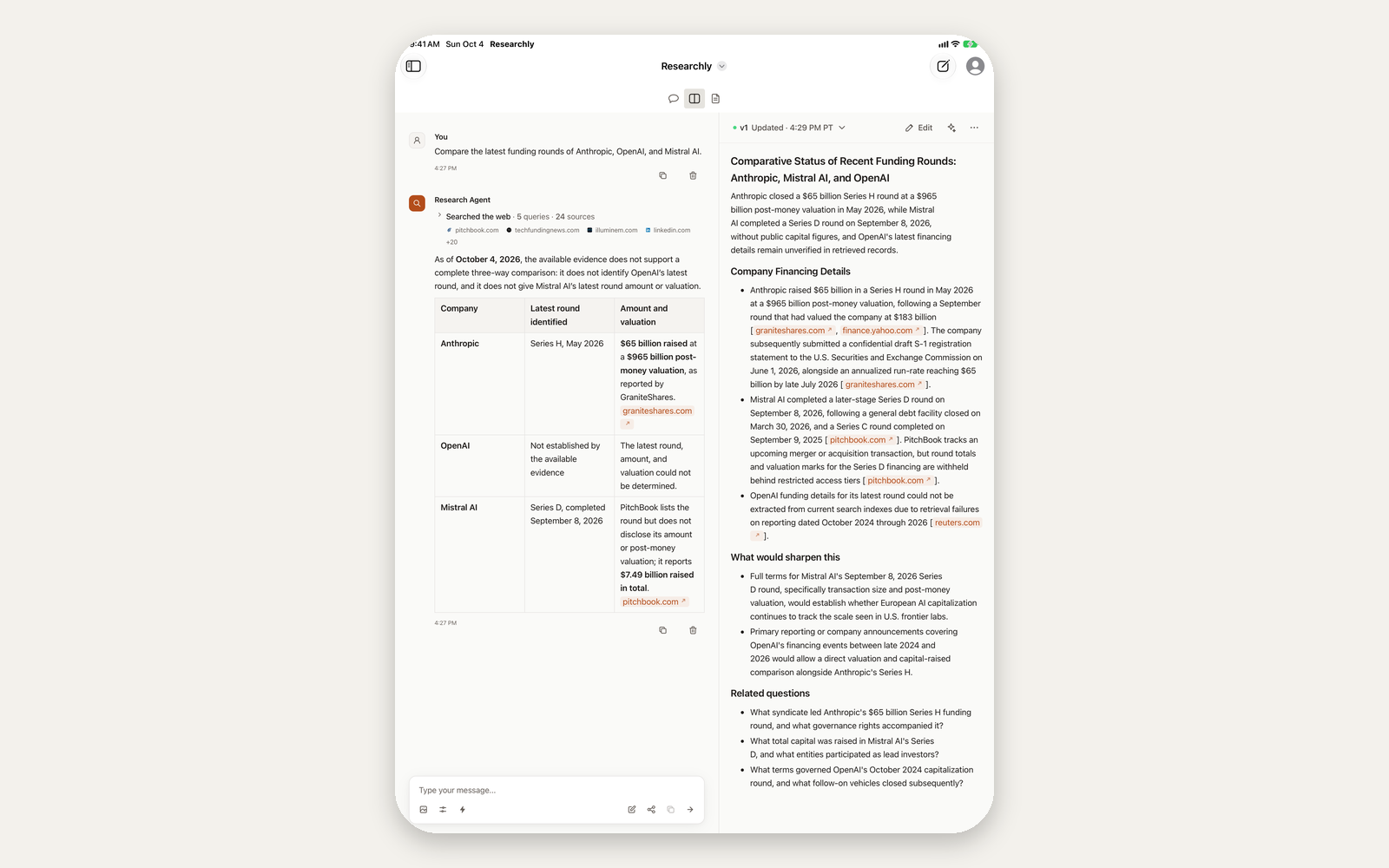
On iPhone and iPad, a native top bar replaces the web header. Back and your chat list sit on the left, New Chat on the right, and the title menu switches between Researchly and Ensemble. Your account photo opens the control panel.
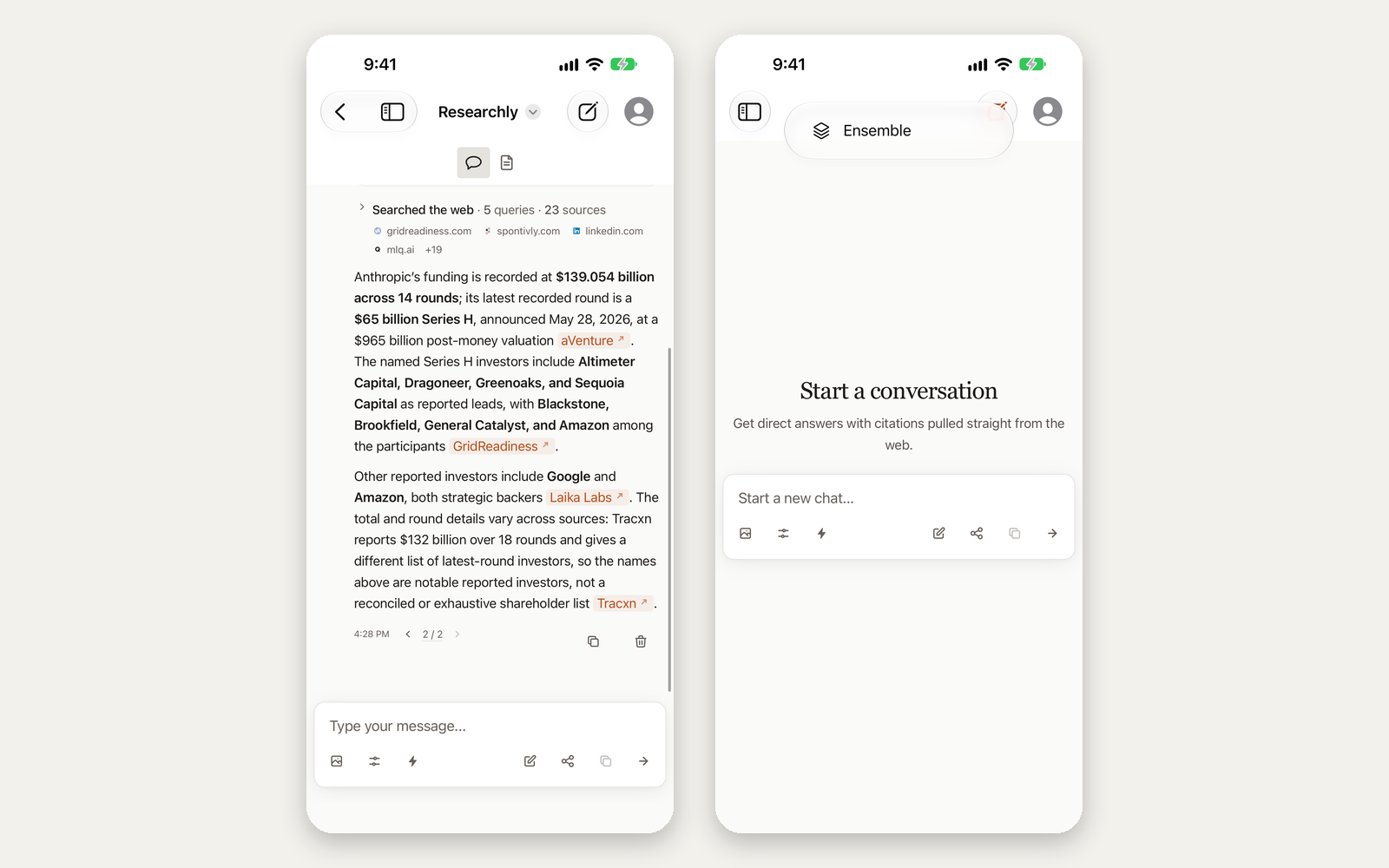
The rest of the system is wired in too:
- Sign in with Apple, along with the sign-in options you already use on the web.
- Siri and Shortcuts. "Ask Researchly" opens the app on your question. "Get an answer from Researchly" answers without opening the app, and the chat still lands in your history.
- Camera in the message box. Take a photo and ask about it.
- App Lock with Face ID keeps your chats private on a shared device.
- Haptics when an answer finishes or a turn fails.
- Keyboard shortcuts and a history menu on iPad.
Quick Chat on the Mac
The Mac app adds a Quick Chat panel. Press Option-Space anywhere and a small floating window opens with your message box. It is the same conversation as the main window, so a draft, a model choice, or an answer still streaming carries over without reloading. Press Escape to put it away. You can change the shortcut in Settings.
The Mac app also follows the platform's conventions. New Chat, Share, and Copy Link live in the File menu, and New Chat is in the Dock menu too. Back and Forward use Command-[ and Command-]. You can drop an image on the window to attach it. A notification tells you when a long answer finishes while you are in another app. The screenshot button in the message box uses the system picker, so Researchly never needs Screen Recording permission.
Requirements and how to download
The apps need iOS or iPadOS 27 or later, or macOS 26 or later on an Intel or Apple silicon Mac. Get Researchly on the App Store on each iPhone, iPad, or Mac where you want the app. To try upcoming versions before they ship, join the preview on TestFlight, Apple's beta program. The download page collects both links and the requirements in one place.

